
|
|
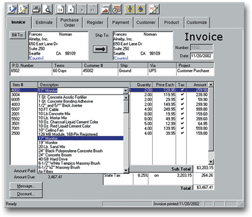
Checksoft PremiumCreate Professional Invoices in 3 Easy Steps!1. Select the invoice or estimate style that best fits your needs. 2. Create your invoice or estimate. Enter names, product and prices once and the information is automatically saved and available for future use. 3. Print your customized invoices, estimates & statements in minutes. Use blank paper or choose from a variety of pre-printed forms. |
||||||||||||||||||||
|
Easy cash control Customization is easy Calculates total and taxes instantly Track outstanding invoices
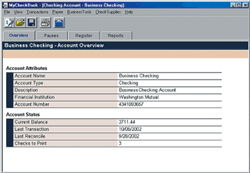
Manage Business Payables & ReceivablesAccount OverviewSee an overview of your account information including balance, last transaction and number of checks to print. Updated in real-time as transactions occur.
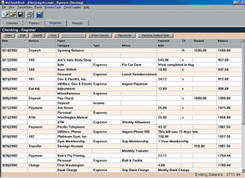
Account RegisterEnter & edit transactions with ease. Checksoft works just like a checkbook, so it's easy to get started. Includes payee database so you don't have to retype payee information for recurring bills. Keep contact information and important notes.
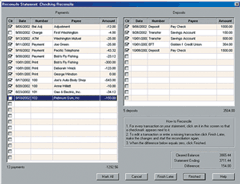
Reconcile AccountsReconcile your bank statement with your account in minutes with the easy-to-use reconciliation wizard. The reconciliation wizard quickly walks you through the process of matching cleared transactions from your bank statement against transactions entered in your register.
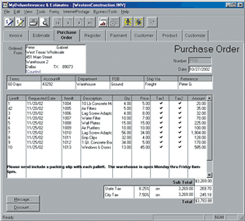
Purchase OrdersGenerate purchase orders and track business expenses.
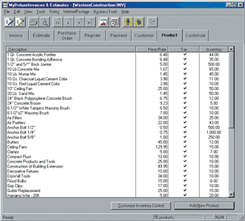
Inventory ControlManage inventory levels of products, goods and supplies.
|
||||||||||||||||||||||
 |
|
|||||||||||||||||||||


|
Copyright © 2004 Avanquest USA, LLC. All Rights Reserved. |